Edges that understand the page.
Detect paper, correct perspective, and keep the text square without fighting every corner.
Free online document scanner
Use this free document scanner online from your camera, phone, or computer. Scan from camera to PDF, convert images to PDF, and export clean pages in one browser workspace.
One page is ready to edit.
Phone camera
Your device camera opens for one photo. We keep the photo's original aspect ratio when it returns here.
Use the rear camera and keep all page edges visible. Add another page from the thumbnail below.
Pages
Reorder or add more pages later.
Preview updates as you tune it.
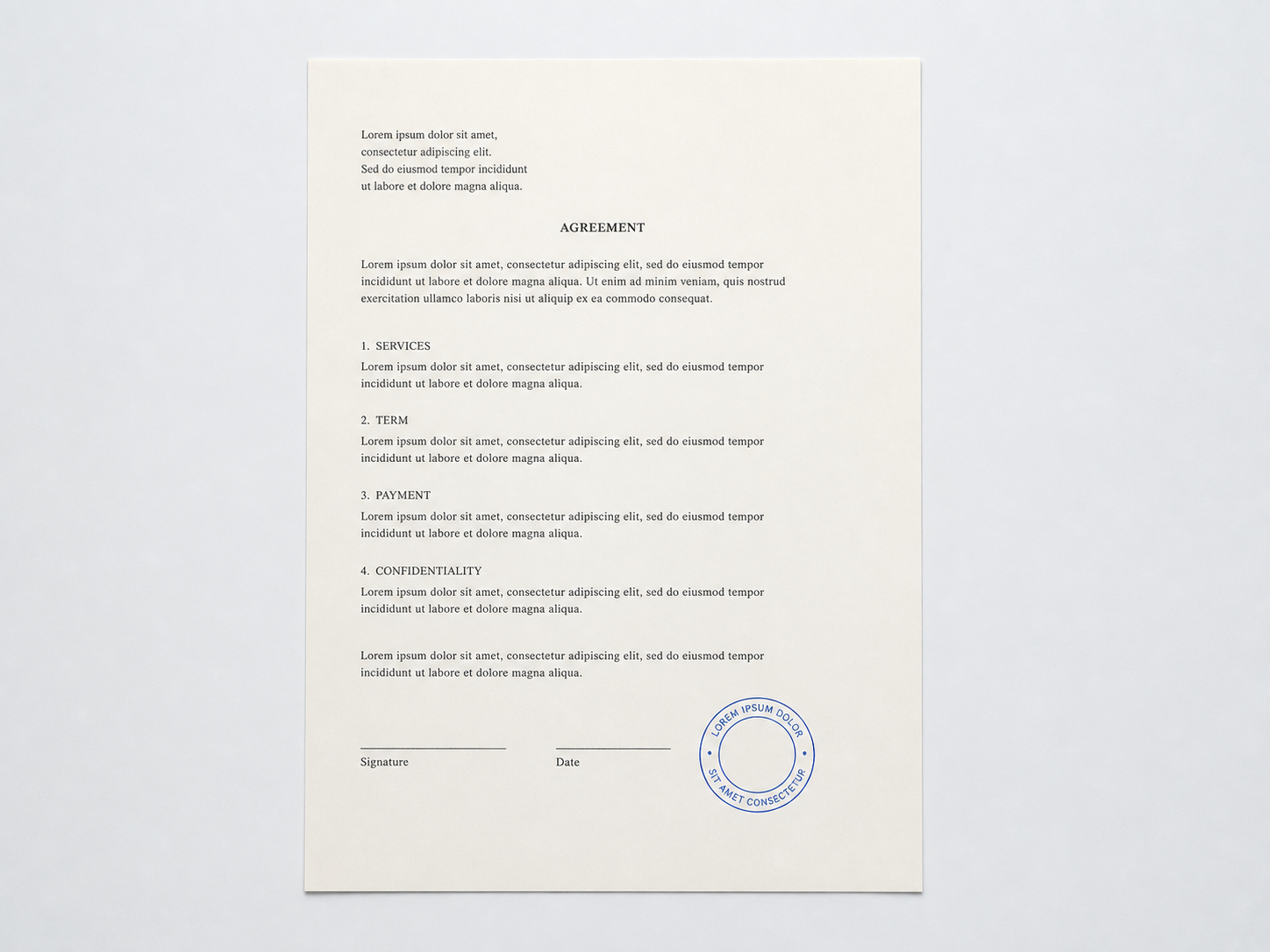
Drag handles or use arrow keys for precise placement.
Use pen or stroke eraser. Changes stay on selected page.
Draw or upload once, then place it on one or more pages.
Create reusable signatureDraw a signature or upload an image.
Start with a preset. Fine-tune only when needed.
Use a free PDF organizer or PDF compressor, compress images with the image compressor, create a reusable signature with the signature maker, or add a watermark and page numbers with focused PDF tools.
Need the decision, not just the button? Read the document guides or the blog on scanning, compression, signatures, and portal uploads.
A focused set of controls that make imperfect pages look intentional.
Detect paper, correct perspective, and keep the text square without fighting every corner.
Whiten the page, settle the contrast, and keep ink readable.
Add, reorder, and edit a multi-page scan before export.
Choose PDF, JPEG, PNG, or SVG while keeping each page easy to read.
Save as PDF, JPEG, PNG, or SVG when the page is ready.
Import, adjust edges, apply a scanner finish, and choose your download format without leaving the workspace.
Open scannerInput
Camera
Correction
In browser
Export
Your choice
A short path from rough capture to a scan that is ready to send.
Choose a file, paste a clipboard image, or open the camera.
Place the corners, clean the paper, and tune the filter.
Keep pages in order, then save the format that fits.
Online document scanner
RealScaner is a free document scanner for turning paper pages, receipts, forms, notes, invoices, contracts, and photos into clean digital files. Capture with a device camera, upload an image, or paste from the clipboard, then edit pages and export a PDF or image directly in your browser.
An online scanner PDF workflow should stay simple: bring in a page, correct it, organize multiple pages, and download a usable file. RealScaner runs in your browser on phones, tablets, laptops, and desktops, with no account, dedicated hardware, or app installation required.
Start with the input method that fits your task. To scan from camera to PDF, choose Use camera, open the device camera, and return with a page photo. Capture additional pages, then arrange them before download. If you already have photos, choose Upload file or paste an image instead. The editor keeps your pages visible while you adjust them. Use corner handles to correct perspective, crop away unwanted background, rotate a sideways page, and tune brightness or contrast.
Need camera to PDF output for a form, receipt, or agreement? Capture the page, select PDF, and download the finished file. For image to PDF conversion, upload JPG, PNG, WebP, or another supported image, then combine pages into one PDF. To convert JPEG or JPG to PDF, upload a JPEG or JPG and export it as a clean document. Need QR code to PDF? Capture the code or upload its image; RealScaner keeps it visible in the PDF but does not decode it.
The best document scanner for quick paperwork should capture from a camera, accept existing images, handle multiple pages, and export a readable PDF. RealScaner combines those essentials with crop, perspective correction, filters, page ordering, and signatures, so you can finish routine scans in a browser without a separate app.
Use this online document scanner for expense receipts, invoices, school assignments, meeting notes, identity documents, legal paperwork, insurance records, and handwritten pages. Instead of waiting for a document scan service, you can create a clean copy whenever you need one.
When a form needs a signature, open the Sign tool, draw your signature or upload an image, and place it on the current page or selected pages. You can move and resize the signature before exporting. This sign document free online workflow is useful for approvals, applications, school forms, and agreements that do not need a separate desktop editor.
Your editing session runs in the browser. Images are read locally for preview and export, and you choose when to download the result. That makes the tool a convenient option for sensitive paperwork when you want to avoid creating another account. As with any important record, review your organization’s privacy requirements before processing confidential material.
Ready when the next page is